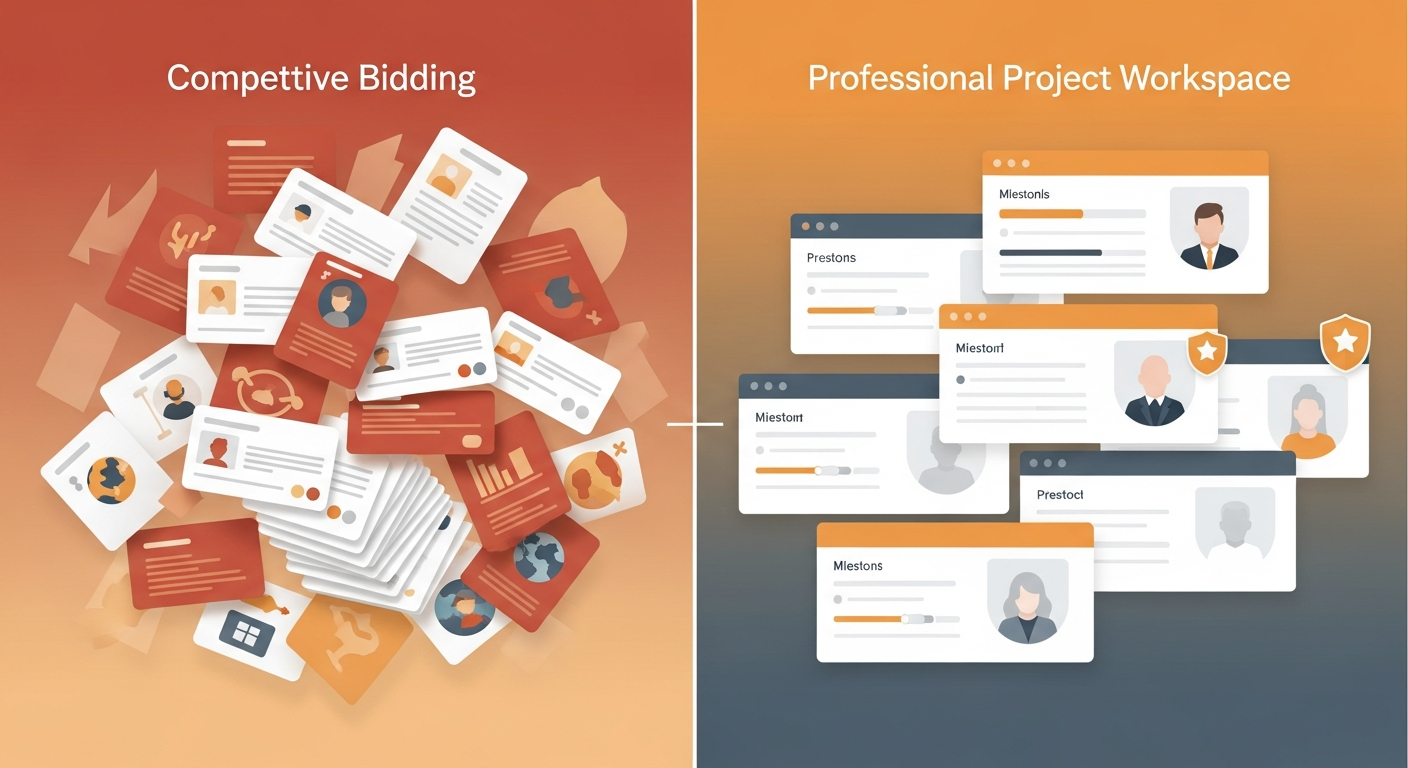
Freelancer vs Upwork: The Two Giants of Freelancing
Freelancer.com and Upwork are the two largest general-purpose freelance platforms in the world. Both help businesses find talent across software, design, writing, and marketing — but their models, fee structures, and user experiences differ significantly.
Platform Overview
| Feature | Freelancer.com | Upwork |
|---|---|---|
| Founded | 2009 | 2015 (merger of oDesk + Elance) |
| Registered users | 70M+ | 18M+ freelancers |
| Model | Bid-based contests + projects | Bid-based + direct hire |
| Client fee | 3% on fixed, no fee on hourly | 5% client fee |
| Freelancer fee | 10–20% depending on tier | 5–20% depending on earnings |
| Hiring flow | Post job → receive bids | Post job → receive proposals |
| Unique feature | Contests (multiple freelancers compete) | Work Diary for hourly verification |
| Best for | Cost-competitive bidding, contests | Quality-focused hiring, long-term engagements |
Freelancer.com: Bid Competition and Scale
Freelancer.com is the older platform, with 70 million registered users across the globe. Its core model is bid-based: post a project, receive competitive bids from freelancers, and choose the best offer.
Unique Features
- Contests: Like 99designs, Freelancer supports design and writing contests where multiple freelancers submit work and you pay only the winner
- Milestone payments: Funds held in escrow and released on task completion
- Hourly and fixed-price projects: Flexible engagement types
Fees
- Clients pay a 3% fee on fixed-price contracts and 3% on hourly
- Freelancers pay 10% on projects above $500 (lower on higher cumulative earnings)
Pros
- Extremely competitive rates due to global talent pool
- Good for one-off tasks with clear scope
- Contests useful for creative and design work
Cons
- Quality variance is high
- Bidding wars can drive down rates (and quality)
- Interface feels dated compared to Upwork
Upwork: The Modern Standard
Upwork has positioned itself as the professional freelance marketplace — with stronger infrastructure, better client tools, and a more curated talent tier through Upwork Expert-Vetted and Top Rated badges.
Key Differentiators
- Work Diary: Screenshot-based time tracking for hourly contracts
- Talent Badges: Top Rated, Top Rated Plus, Expert-Vetted — help clients identify quality
- Contracts: Legally structured with payment protection
Fees
- Clients pay 5% on all contracts
- Freelancers pay 5–20% sliding scale (lower for long-term clients)
Pros
- Stronger trust signals and talent quality indicators
- Better UX and project management tools
- More reliable payment protection
Cons
- Slightly higher fees than Freelancer
- High-traffic job posts can attract spam proposals
Which Should You Choose?
Choose Freelancer.com if:
- You want the most competitive rates and are comfortable with higher-effort vetting
- You're running a creative contest and want multiple entries
- You're hiring for well-defined, shorter tasks
Choose Upwork if:
- Quality and accountability matter more than rock-bottom pricing
- You want better tools for managing contractors long-term
- You value trust signals (Top Rated badges, work history verification)
Conclusion
Upwork is the better overall platform for most clients — it has stronger trust infrastructure and a better user experience. Freelancer.com remains relevant for price-sensitive buyers and creative contests.
Compare both platforms and find the right fit at mktplc.ai.